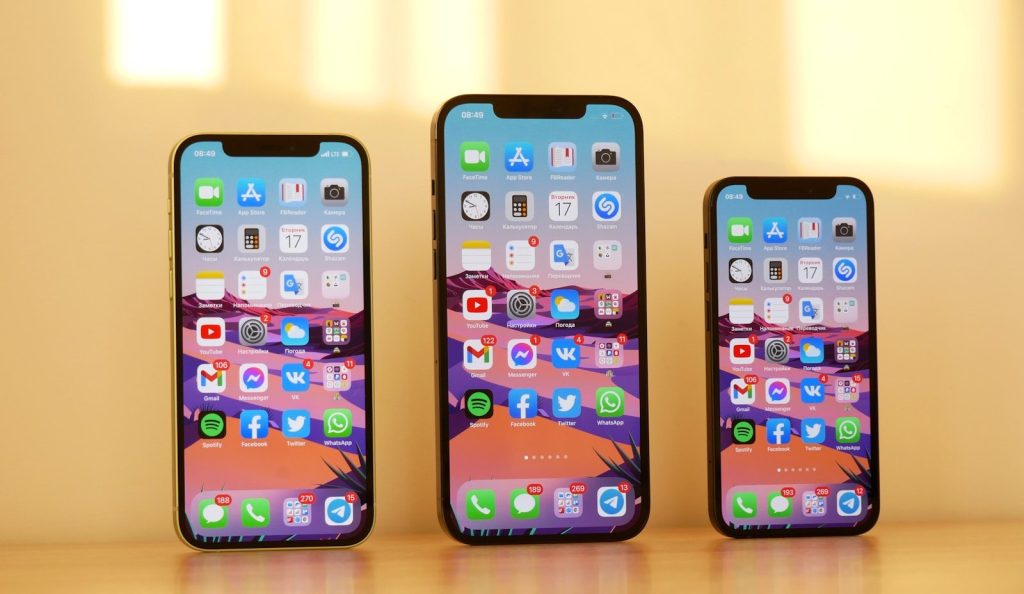

Most iPhone owners use only a small portion of what their devices can actually do. A few built-in features can simplify everyday tasks, save time, and even help you avoid spending money on extra apps or accessories.
The best part is that these tools are already available on your phone. Learning how to use them can make your daily routine feel smoother without costing a penny.
Customize your Control Center
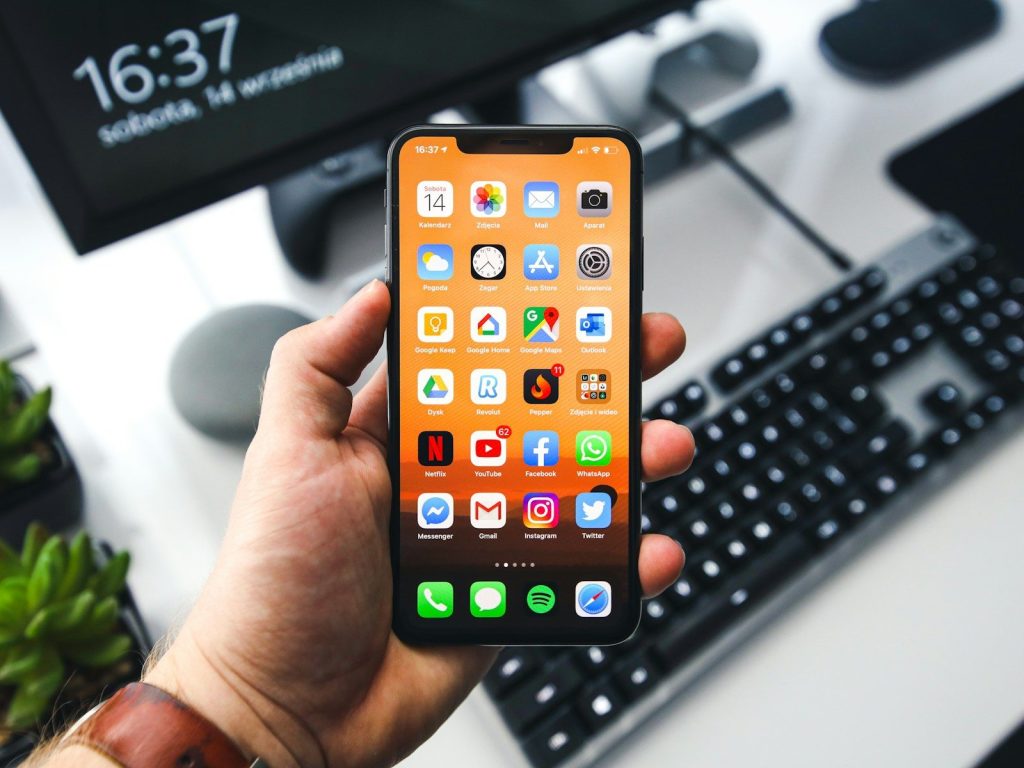
Control Center gives quick access to the features you use most often. Adding shortcuts for tools like the flashlight, screen recording, or notes saves time by reducing the number of taps needed.
Take a few minutes to remove controls you rarely use and replace them with more useful options. A personalized layout makes everyday tasks much faster.
Let Focus modes reduce distractions
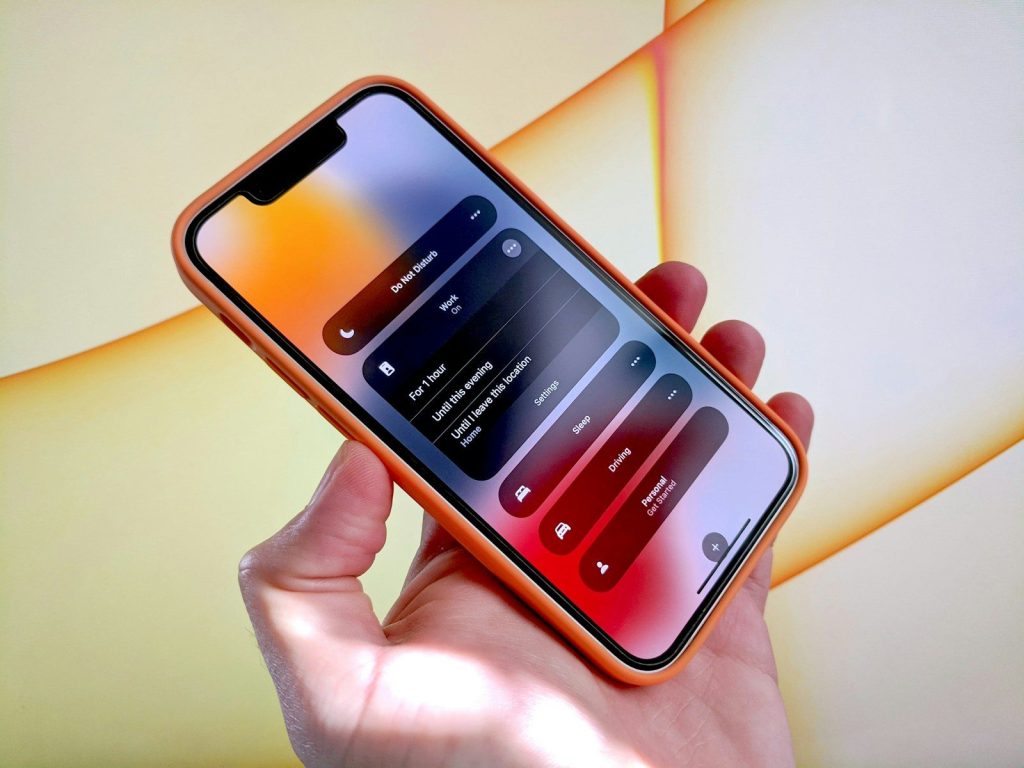
Constant notifications can interrupt work, family time, or sleep. Focus modes allow you to customize which people and apps can reach you during different parts of the day.
Creating separate settings for work, personal time, and rest helps you stay organized. It also reduces unnecessary interruptions without turning your phone completely off.
Use Live Text to save time
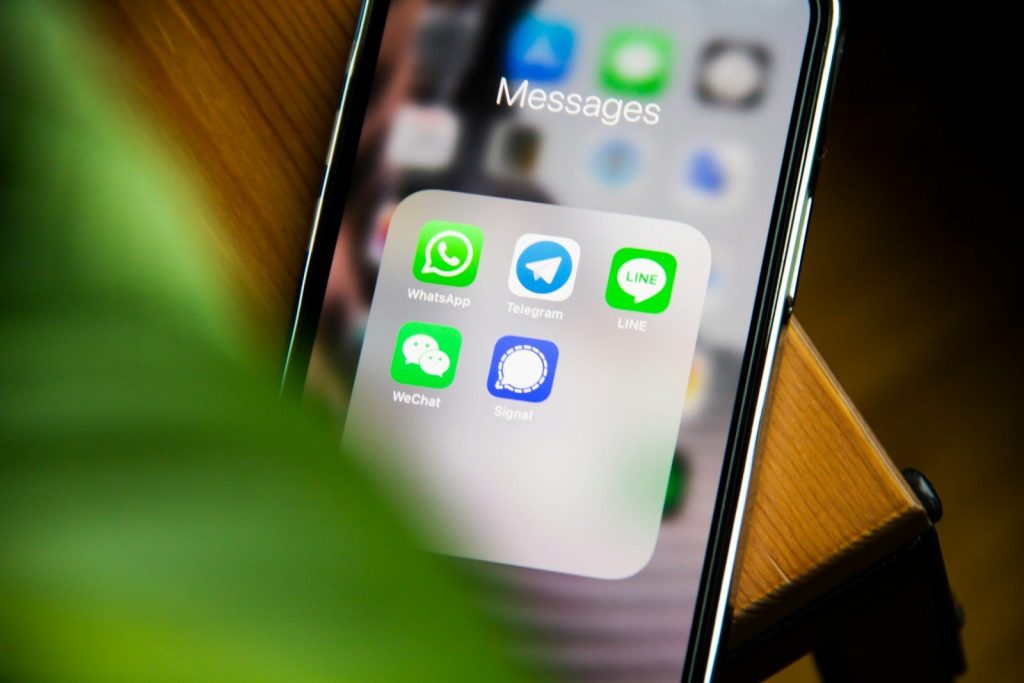
Live Text lets you copy words, phone numbers, and addresses directly from photos. Instead of typing everything manually, you can capture information with just a few taps.
This feature is especially useful for business cards, printed documents, and handwritten notes. It reduces mistakes while making everyday tasks much more convenient.
Scan documents without extra apps
Your iPhone can scan receipts, forms, and paperwork directly through the Notes app. This built-in feature creates clear digital copies without needing a separate scanner.
Keeping important documents stored digitally reduces paper clutter around the home. It also makes finding important files much easier when you need them.
Create useful text shortcuts
Typing the same phrases repeatedly can become frustrating. Text replacement allows you to create short abbreviations that automatically expand into complete words, addresses, or email responses.
This simple feature saves time every day, especially if you frequently send similar messages. Small improvements quickly add up over weeks and months.
Find things faster with Spotlight
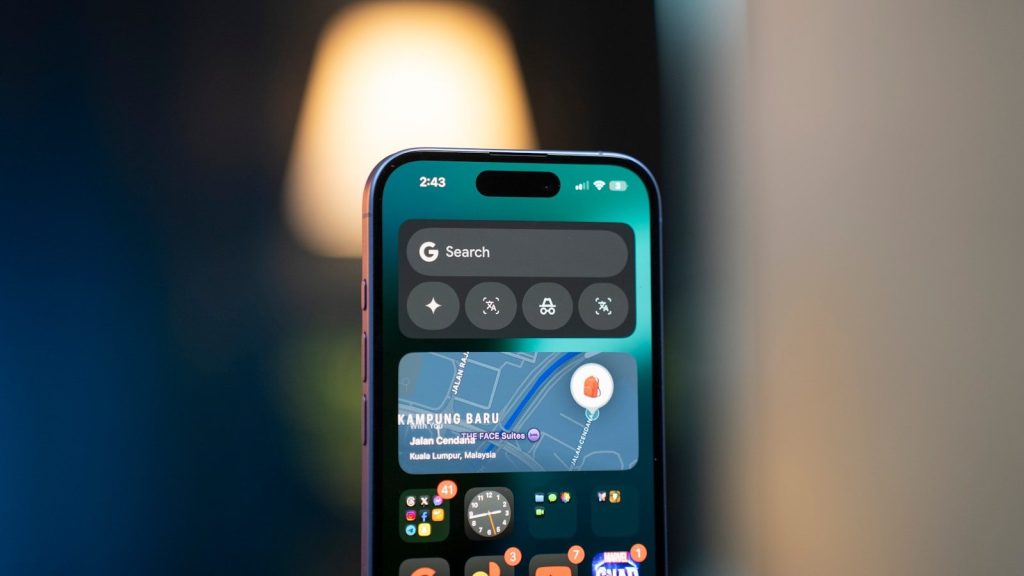
Instead of searching through multiple screens, use Spotlight to locate apps, contacts, files, and settings almost instantly. It often finds what you need before you even finish typing.
Learning to rely on Spotlight can dramatically speed up everyday phone use. It also keeps your home screen from becoming crowded with folders.
Protect your battery with smarter charging
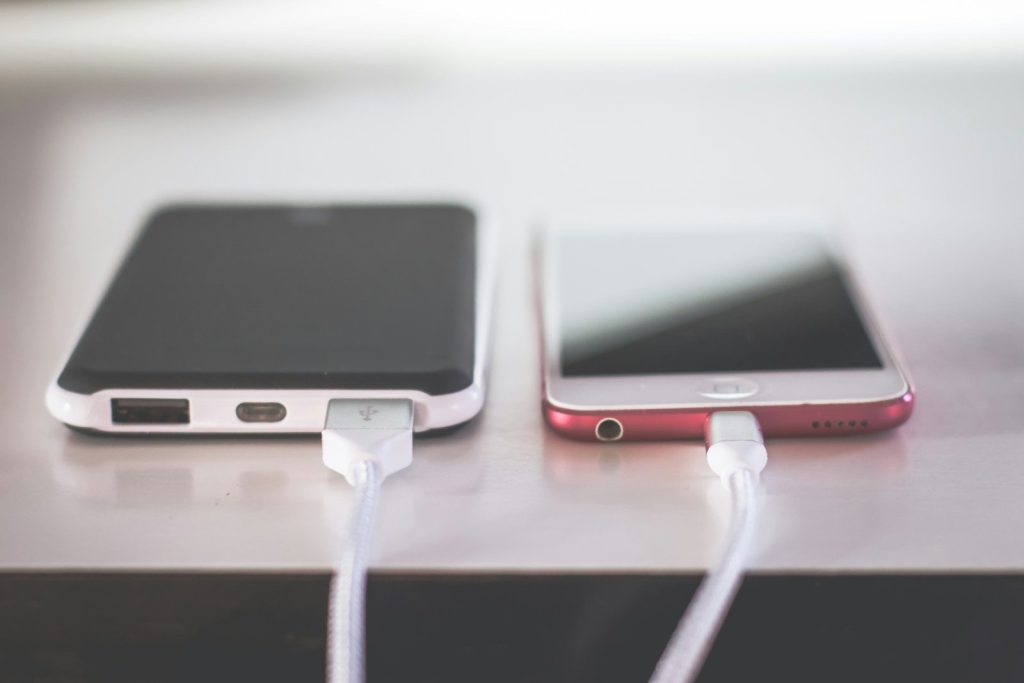
Battery health improves when your phone avoids unnecessary charging habits. Built-in charging features help reduce battery wear by learning your daily routine and adjusting charging accordingly.
A healthier battery may delay the need for costly repairs or early device replacement. Better charging habits also help your phone perform more consistently over time.
Get more value from the phone you already own
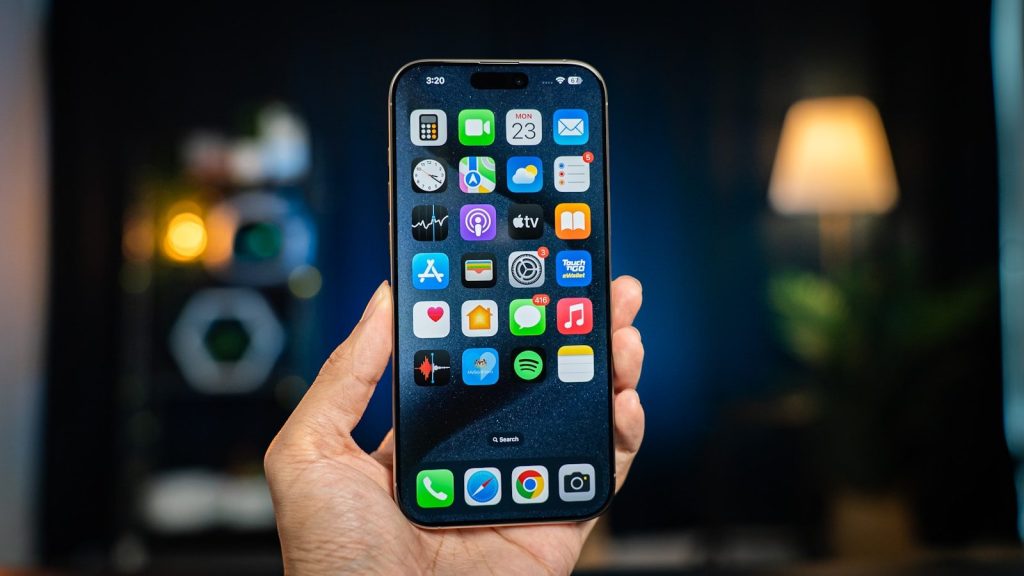
Many useful iPhone features remain hidden simply because people never explore their settings. Spending a little time learning these tools can improve convenience while helping you rely less on additional apps and services.
Making better use of your existing device is one of the easiest ways to simplify everyday life. Smart habits allow your iPhone to work harder, last longer, and deliver greater value every day.
Featured Image: Photo by Denis Cherkashin on Unsplash