
Many people spend money on apps that promise better messaging, better organization, or extra privacy without realizing their phone already includes useful tools. A few hidden features inside Google Messages can handle many everyday tasks at no extra cost.
Making better use of what you already own is one of the easiest ways to save. These simple features reduce clutter, prevent costly mistakes, and help you get more value from your smartphone without spending another dollar.
Skip Extra Apps by Organizing Important Chats
Many people download productivity apps just to keep important conversations easy to find. Google Messages already lets you keep your most important chats within easy reach.
That means fewer apps taking up storage and fewer subscriptions tempting your budget. Using built-in tools instead of adding new ones is an easy saving habit.
Block Spam Before It Costs You
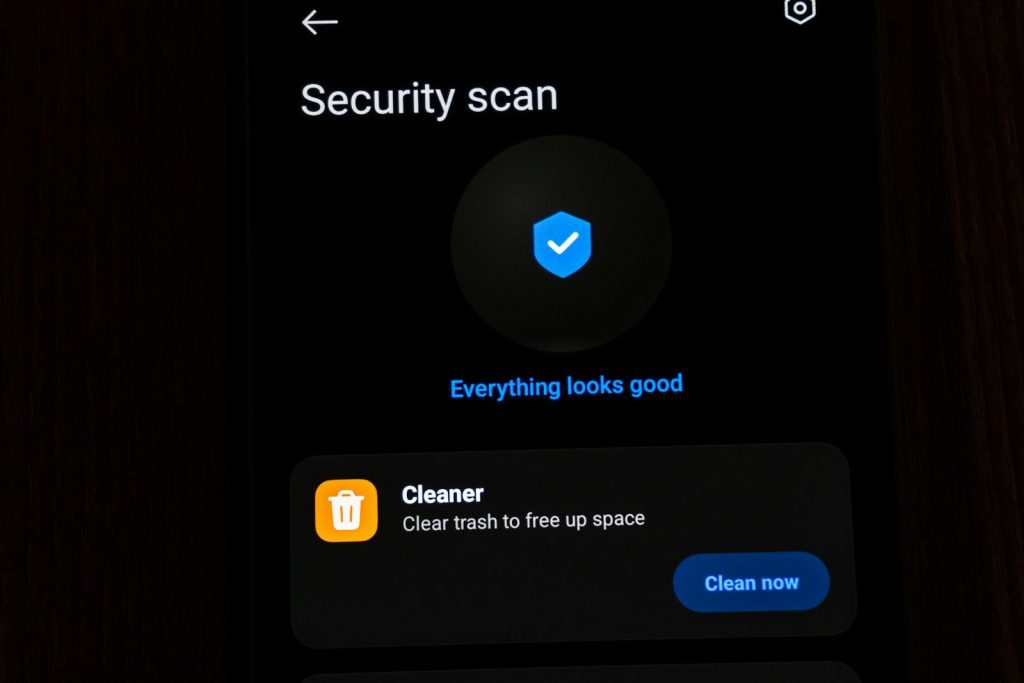
Scam texts waste more than your time. They can lead to fake purchases, stolen information, or expensive mistakes if you are not careful.
Built-in spam protection helps stop many unwanted messages before they become a problem. Preventing one scam can save far more than any paid security app.
Find Old Messages Instead of Asking Again

Need an address, receipt, password hint, or shopping list? Searching old conversations often gives you the answer without asking someone to send it again.
This small feature saves time during busy days and keeps useful information close by. Better organization often means fewer unnecessary purchases and fewer repeated errands.
Schedule Messages to Avoid Costly Mistakes
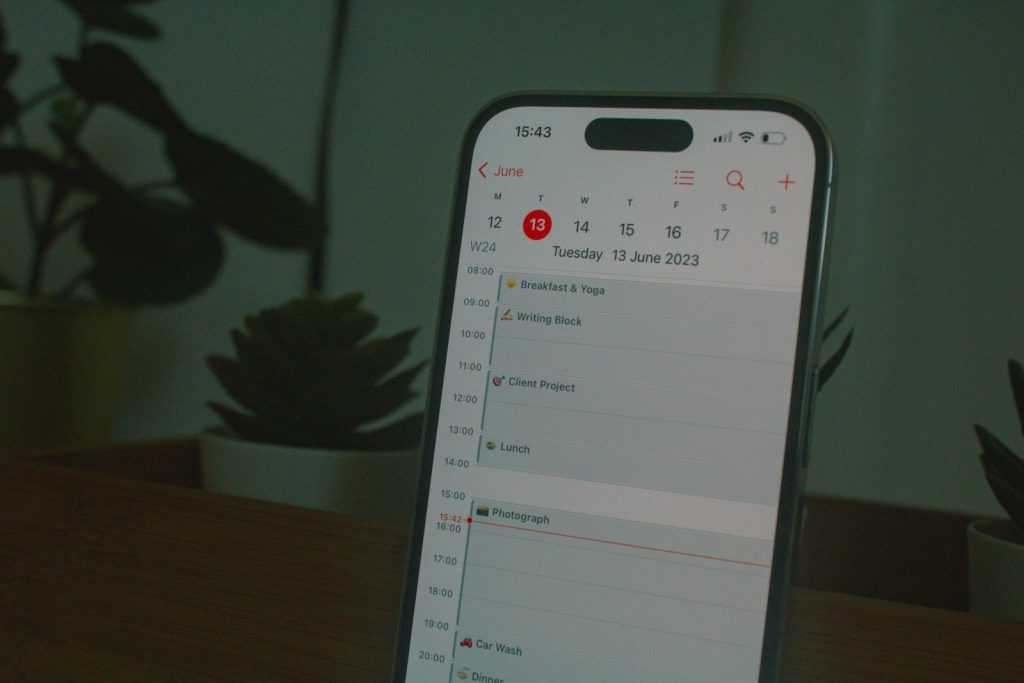
Forgetting birthdays, appointments, or bill reminders can become expensive. Scheduling messages ahead of time helps you stay organized without relying on another reminder app.
Planning ahead also reduces stress and helps avoid late fees, missed events, or forgotten commitments that could cost money later.
Use Reactions Instead of Endless Replies
Short reactions keep conversations moving without creating dozens of extra messages. Group chats stay cleaner, and important details remain easier to find.
Less clutter means less time scrolling for useful information. Saving time every day is another form of saving money.
Share Clear Photos the First Time
Sending blurry receipts, documents, or product photos often means sending them again. Better quality image sharing helps everyone see the details the first time.
Using less data and avoiding repeated uploads can be especially helpful if you have a limited mobile plan or a slower internet connection.
Customize Chats to Stay Organized
Simple color and conversation settings help you recognize important chats more quickly. Small changes reduce mistakes and make daily communication easier.
Better organization also means fewer missed messages from family, work, or service providers. Staying on top of important updates can prevent unnecessary spending.
Get More From the Phone You Already Own
Modern messaging features improve conversations without asking you to buy another app or upgrade your routine. The tools are already waiting inside your phone.
One of the smartest saving habits is making full use of products you already own. Before spending money on another download, it is worth checking whether your current apps already do the job.