

The back-to-school shopping season is one of the best times to replace an aging laptop, but the biggest discount is not always the best value. A little planning can help you find a computer that lasts for years instead of one that needs replacing after graduation.
Whether you are shopping for a student, a family member, or yourself, knowing which features matter most can stretch your budget further. Here are eight smart ways to compare popular laptops and avoid paying for features you may never use.
Dell XPS 13 Delivers Premium Quality Without Extra Bulk
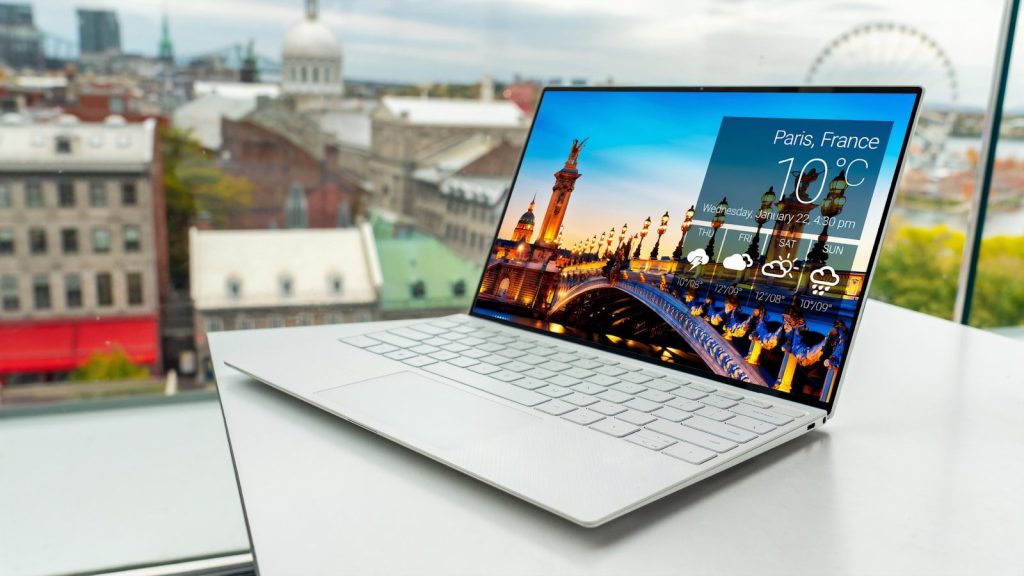
The Dell XPS 13 remains a favorite because it combines a lightweight design with dependable performance. It is easy to carry between classes while offering enough power for everyday productivity.
If you mainly use web browsers, documents, and video calls, this laptop can handle daily tasks comfortably. Buying during seasonal promotions often delivers better long-term value than chasing the newest release.
MacBook Air Keeps Delivering Reliable Everyday Performance
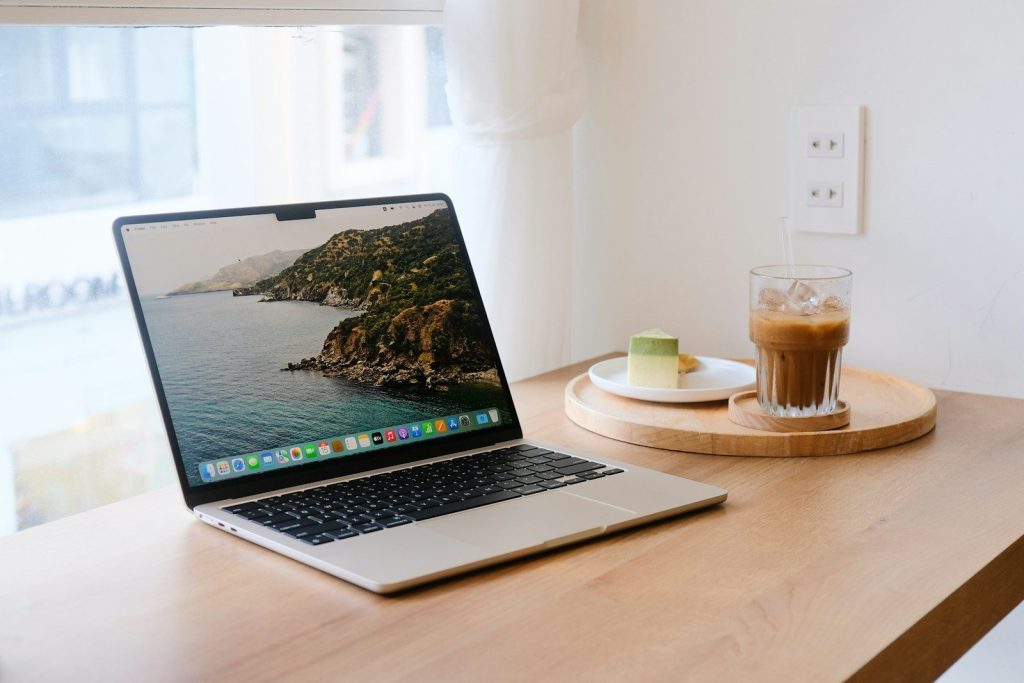
Apple’s latest MacBook Air continues to attract students thanks to its battery life and dependable performance. Many users find they can keep the same machine for several years without feeling the need to upgrade.
A longer ownership period often makes a premium purchase worthwhile. Instead of focusing only on the purchase price, think about how many school years the laptop can realistically serve.
HP OmniBook Offers a Practical Balance
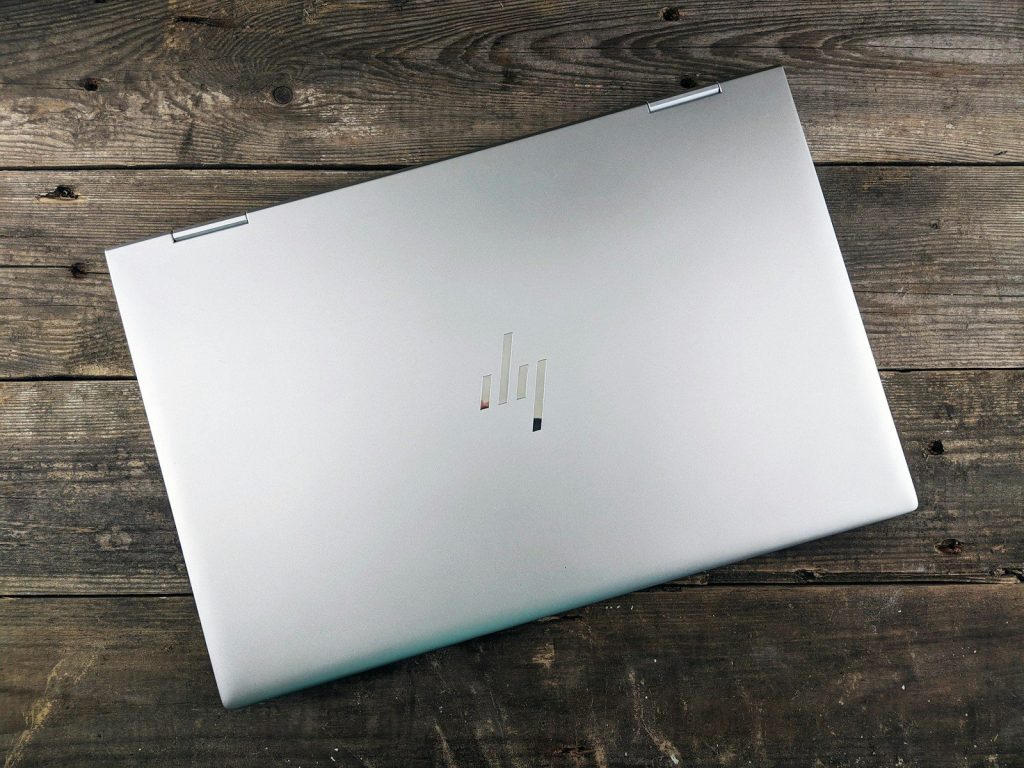
The HP OmniBook is designed for buyers who want dependable performance without paying premium prices. It offers enough capability for writing assignments, streaming lectures, and handling everyday coursework.
Choosing a laptop that matches your workload instead of the most expensive option leaves room in your budget for software, accessories, or future upgrades that actually improve your experience.
Think About Memory Before Buying

Many shoppers pay attention to processors but overlook memory. Choosing enough RAM today can help your laptop stay responsive as school projects become more demanding.
Buying the right amount from the beginning is usually cheaper than replacing the entire computer sooner because it struggles with multitasking or newer applications.
Storage Space Should Match Your Habits
Students who save large video projects, photos, or creative work may need extra storage. Others who mostly use cloud services can comfortably choose smaller drives and spend less.
Matching storage to your actual habits prevents unnecessary spending. Paying for capacity you never use rarely adds meaningful value over the life of the laptop.
Battery Life Can Save More Than Convenience
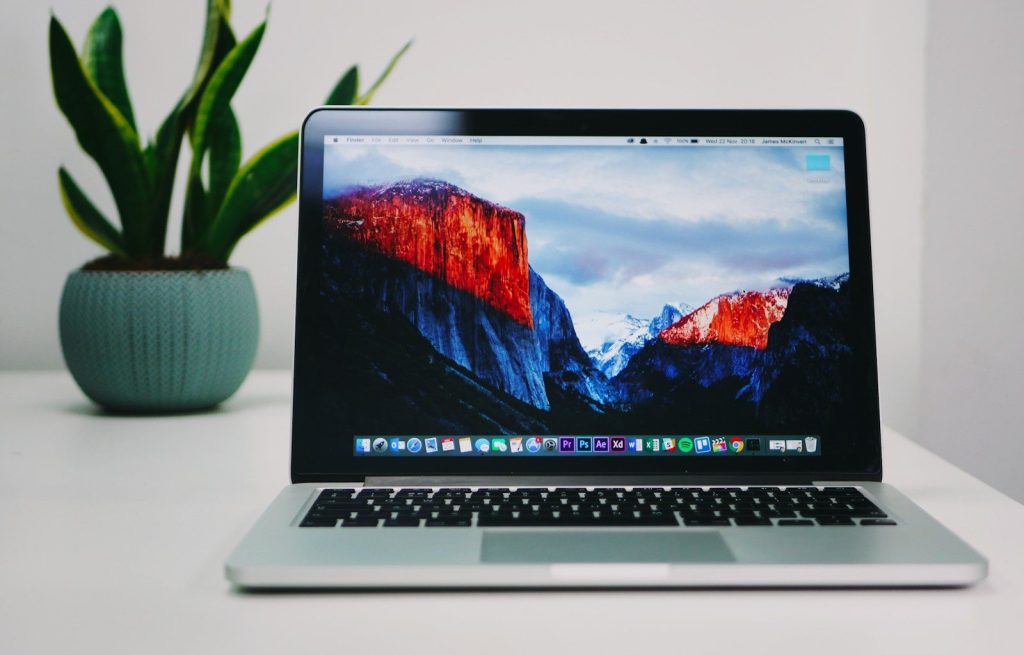
A laptop with strong battery life reduces the need to carry chargers or search for power outlets throughout the day. That convenience becomes more noticeable during busy schedules.
Reliable battery performance also helps the computer stay practical for travel, remote work, and study sessions long after the school year ends, increasing its overall value.
Watch for Bundles Instead of Bigger Discounts

Some retailers include software, accessories, or extended warranties during back-to-school promotions. These extras can sometimes provide better overall savings than a slightly lower sticker price.
Compare the complete package before deciding. A laptop that includes useful accessories may cost less overall than buying every item separately later.
Buy for Tomorrow Instead of Just Today

The cheapest laptop is not always the smartest purchase if it becomes outdated within a short time. Spending a little more on better reliability and performance can reduce future replacement costs.
Whether you choose the Dell XPS 13, MacBook Air, HP OmniBook, or another trusted model, the best value comes from buying a computer that fits your needs today and continues serving you well for years.
Featured Image: Photo by CarlosBarquero on Shutterstock