
Running out of storage can make an iPhone feel slower and more frustrating to use. Before paying for extra storage or thinking about a new device, a few simple changes can often recover far more space than expected.
The best part is that many of these habits take only a few minutes to complete. They also help your phone stay organized while making better use of the storage you already have.
Check what is using the most space
Start by looking at your iPhone storage settings to see which apps and files take up the most room. Many people are surprised to discover that photos, videos, or forgotten apps consume far more storage than expected.
Knowing where your storage is going helps you make smarter decisions. Instead of deleting random files, you can focus on the biggest space-saving opportunities first.
Remove apps you no longer use
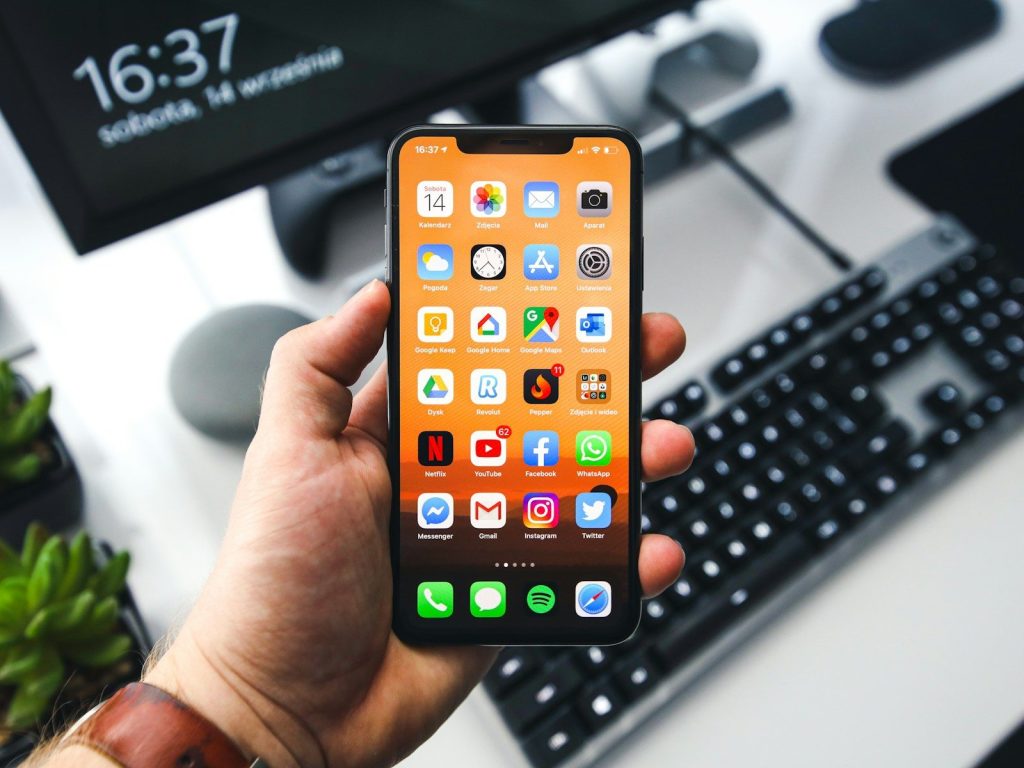
Many apps stay on your phone long after you stop opening them. Games, shopping apps, and old travel tools often occupy valuable storage without providing any real benefit.
Take a few minutes every month to review your apps. Removing ones you no longer need keeps your phone cleaner while reducing unnecessary digital clutter.
Organize your photo library
Photos and videos usually account for the largest share of iPhone storage. Blurry pictures, duplicate screenshots, and accidental recordings can quietly build up over time.
Delete images that no longer serve a purpose and keep your favorites organized. A cleaner photo library also makes it easier to find the memories you truly want to keep.
Clear downloaded files
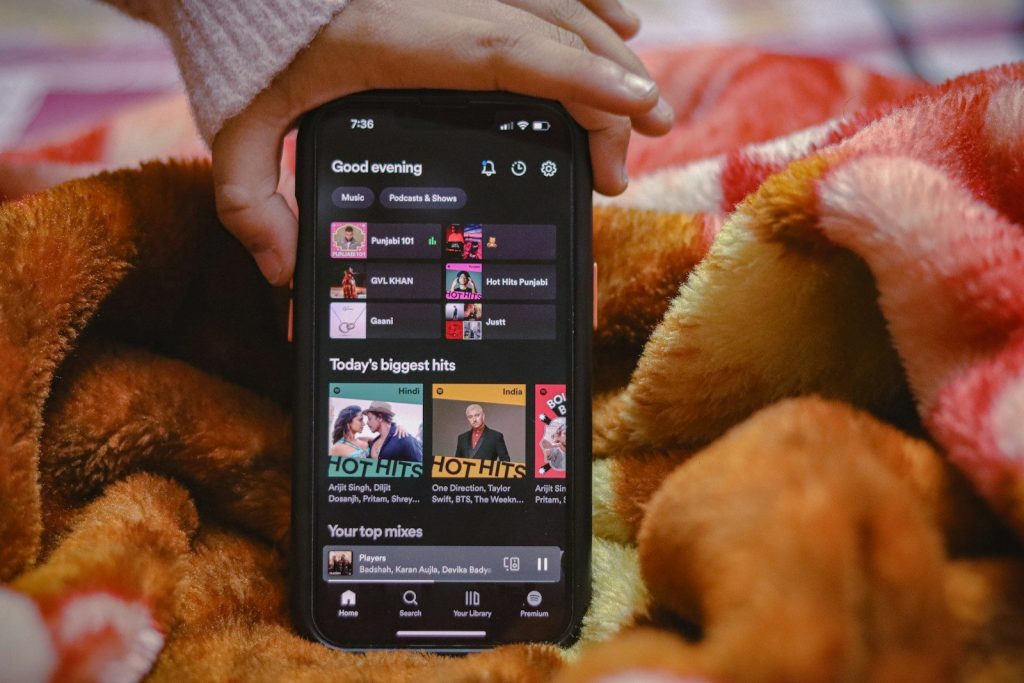
Streaming apps, podcasts, music, and offline videos often save content directly to your device. Many of these downloads remain stored long after you finish watching or listening.
Review downloaded content regularly and remove anything you no longer need. You can always download it again later if necessary.
Empty old messages and attachments
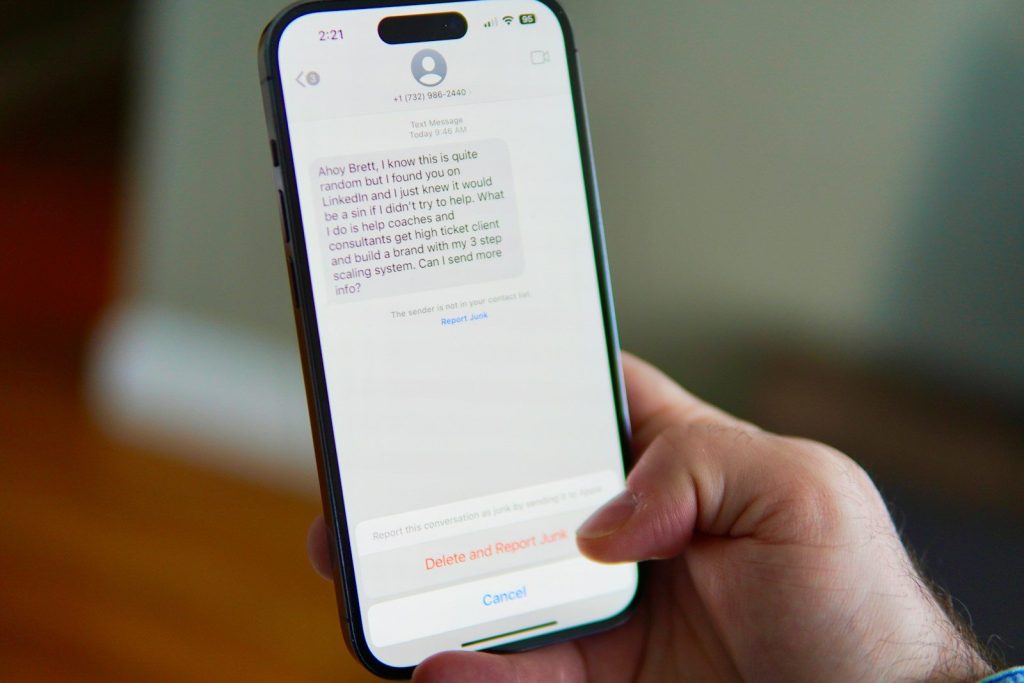
Years of text conversations can quietly fill your storage with photos, videos, voice notes, and shared files. Most people rarely revisit older message attachments once they have been viewed.
Deleting unnecessary conversations and large attachments frees space without affecting your everyday use. It also makes your messaging app easier to manage.
Let your phone manage storage
Many built-in iPhone features automatically remove temporary files or unused apps while protecting your personal information. These settings help your device use storage more efficiently with very little effort.
Turning on storage optimization allows your phone to handle routine cleanup in the background. It is a simple way to reduce maintenance over time.
Build better digital habits
Instead of saving every file forever, make it a habit to review your storage every few weeks. Regular maintenance prevents clutter from building into a much larger problem later.
A few minutes of organization each month often saves hours of frustration. Small routines also reduce the temptation to pay for extra storage before it is truly necessary.
Get more from the storage you already own
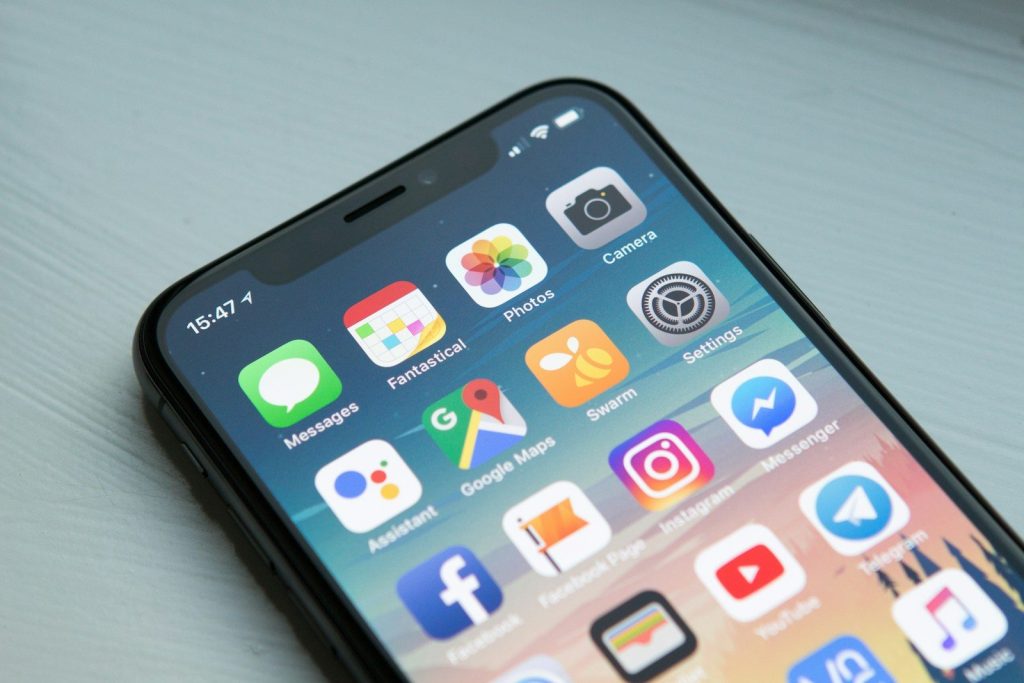
Freeing up space is not only about deleting files. It is about using your device more efficiently so it continues to perform well without unnecessary upgrades or added expenses.
With thoughtful storage habits and regular cleanup, your iPhone can stay organized, responsive, and ready for everyday use. Making the most of what you already own is often the smartest upgrade of all.