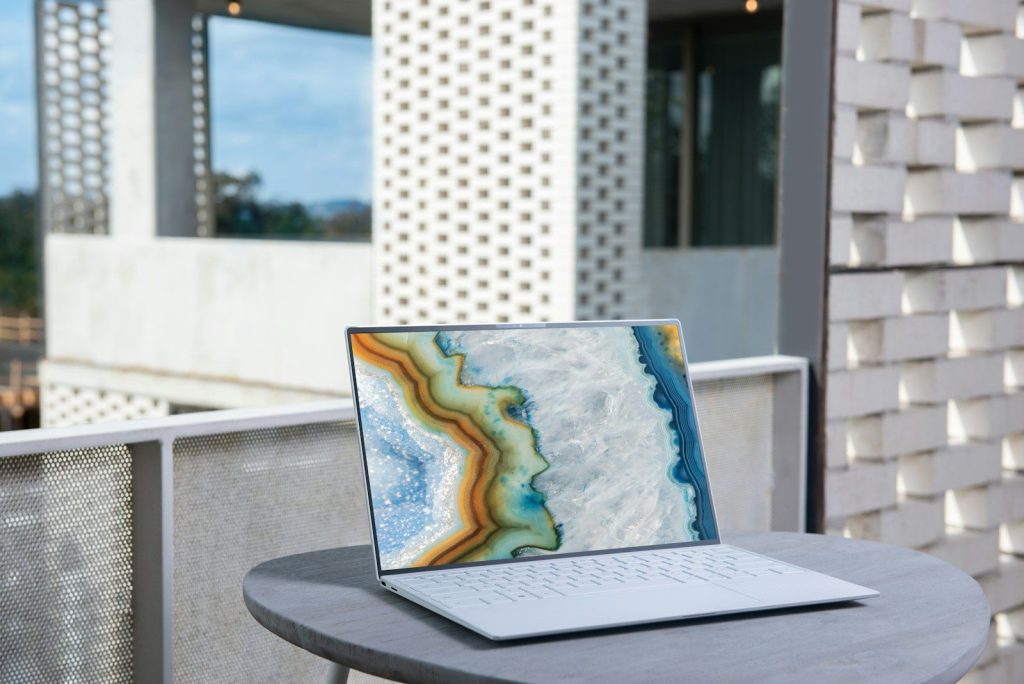

Buying a new laptop can feel overwhelming when prices vary so much between models that appear almost identical. The good news is that getting a reliable computer is often more about choosing wisely than simply spending more.
Whether you need a device for work, school, or everyday browsing, a few thoughtful shopping habits can stretch your budget without sacrificing the features that matter most. Knowing what to prioritize before you buy makes every dollar go further.
Start with how you actually use it

Many shoppers pay for premium features they rarely use. Before comparing models, think about your daily tasks such as video calls, writing documents, streaming movies, or light photo editing.
Matching your laptop to your real needs helps eliminate expensive extras that add little value. A practical choice often performs just as well for everyday use while costing much less.
Look beyond the newest release
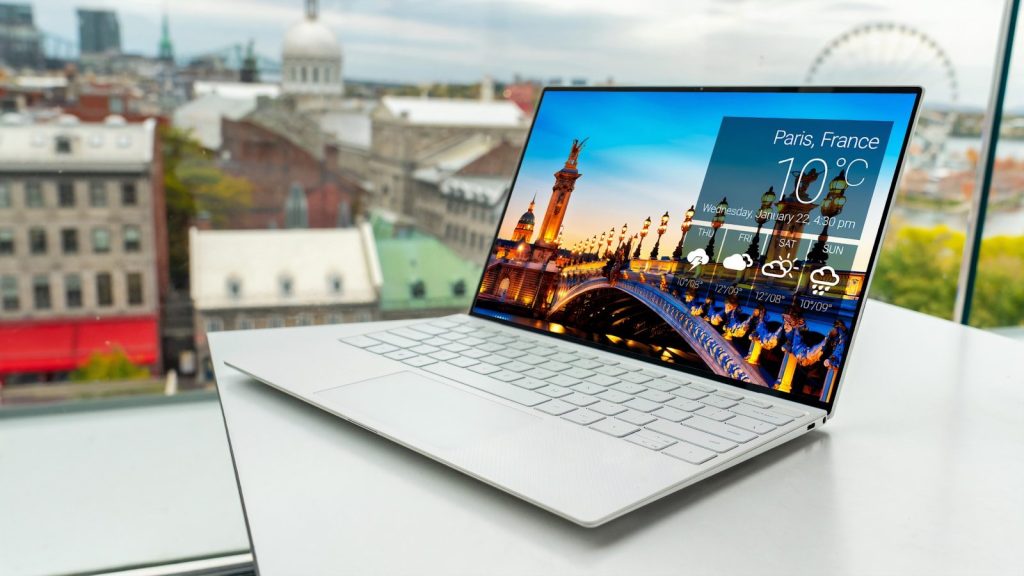
The latest laptop is not always the smartest purchase. Models released a year earlier often include nearly identical performance while selling at noticeably lower prices once newer versions reach store shelves.
Buying a recent generation instead of the newest one can free up room in your budget for accessories or an extended warranty. You still receive dependable technology without paying an early adopter premium.
Refurbished can mean remarkable value

Professionally refurbished laptops are inspected, tested, and restored before being offered for sale again. Many come with warranties, making them a practical option for shoppers who want reliable performance at a lower price.
Choosing a reputable seller is important because quality standards vary. Reading warranty details and return policies gives you extra confidence before making a purchase.
Pay attention to memory and storage
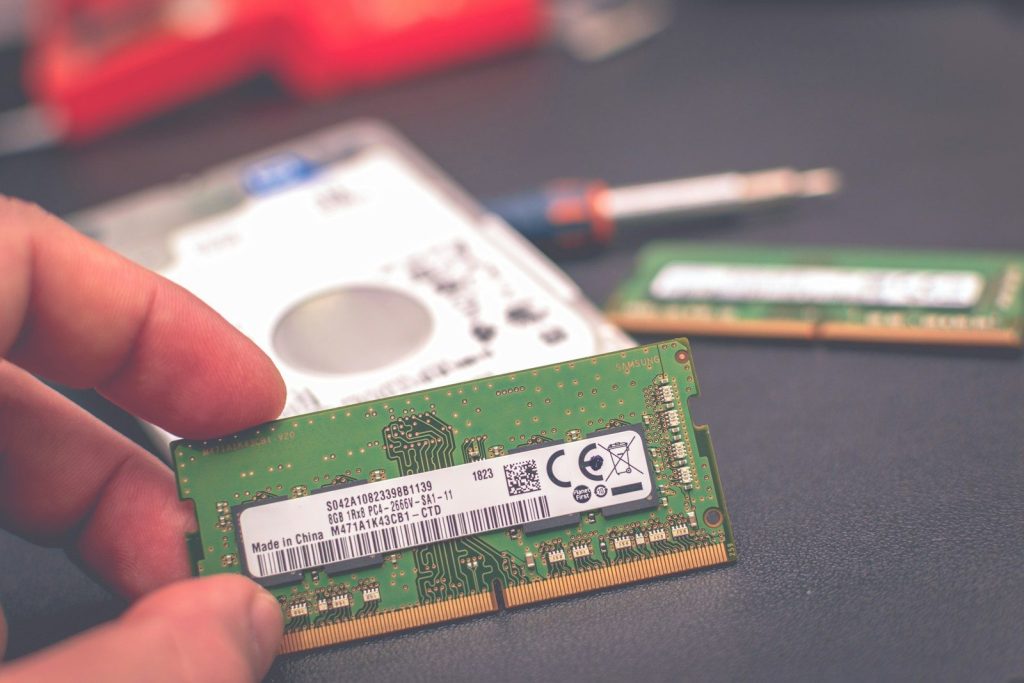
Some features have a greater impact on everyday performance than flashy designs or ultra-thin cases. Enough memory and adequate storage often make a laptop feel faster and remain useful for more years.
Thinking about future needs also prevents replacing your computer sooner than expected. Spending wisely on the right specifications today may save money over the long term.
Compare the complete package
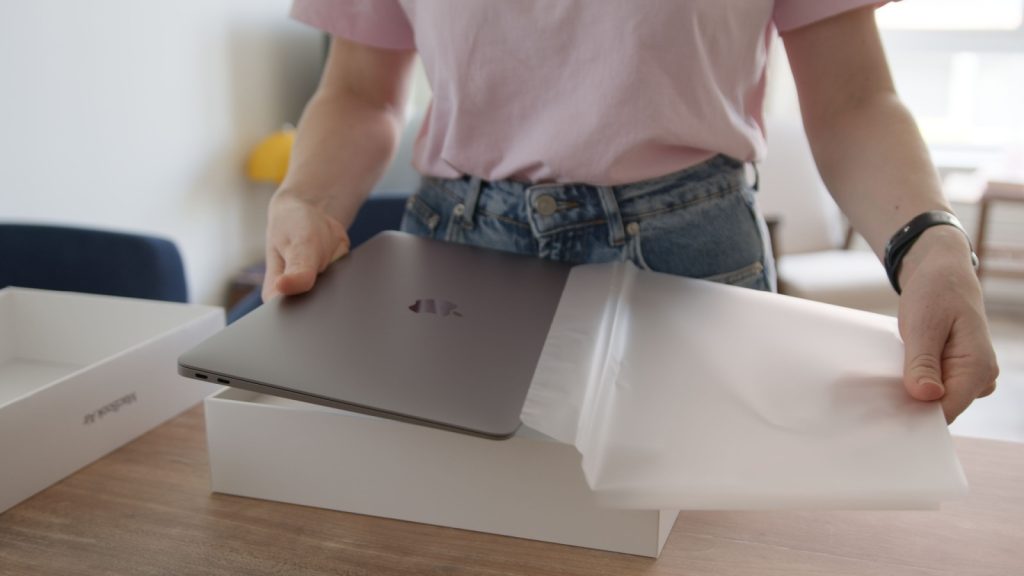
The advertised price is only part of the total cost. Accessories, software, protective cases, and extended coverage can quickly increase what you spend after leaving the store.
Comparing complete bundles instead of individual prices provides a clearer picture of overall value. Sometimes a slightly higher initial price includes extras that would otherwise cost much more separately.
Time your purchase carefully
Laptop prices often change throughout the year as retailers introduce promotions tied to major shopping events or seasonal sales. Waiting a few weeks instead of buying immediately can sometimes make a noticeable difference.
Planning ahead is especially useful for students and families replacing older devices. Shopping before the last minute gives you more opportunities to compare offers without feeling rushed.
Do not overlook upgrade options

Some laptops allow simple improvements such as adding storage or increasing memory later. Buying a model with room for future upgrades can extend its useful life without requiring another expensive replacement.
Learning which components can be upgraded also helps you avoid paying for the highest specifications on day one. You gain flexibility while keeping initial costs under control.
Value lasts longer than the lowest price
The cheapest laptop is not always the best bargain if it struggles with everyday tasks after only a short time. Focusing on reliability, repair options, and features you will genuinely use often leads to a smarter investment.
Choosing carefully, comparing thoughtfully, and buying with a long-term mindset helps you avoid unnecessary spending while getting a computer that fits both your needs and your budget.