

Autopay is supposed to make life easier. Set it, forget it, move on. And for the most part, it works. But that “set it and forget it” mindset is exactly where people start losing money, sometimes in small amounts they never notice, and sometimes in charges that add up to hundreds of dollars over a year.
The errors aren’t complicated. They’re the kind of thing that slips through because nobody’s watching. Here are eight autopay mistakes worth paying attention to.
1. Forgetting to cancel after you stop using a service

This one is probably the most common and the most avoidable. A free trial converts to a paid subscription, or a streaming service gets dropped from the regular rotation, but the autopay keeps running. Gyms are notorious for this. So are software subscriptions, news apps, and meal kit deliveries.
Research consistently shows American households pay for multiple subscriptions they rarely or never use, with wasted spending running into hundreds of dollars a year for many families. The charges are usually small enough that they don’t trigger any alarm, which is precisely why they survive so long.
2. Not checking for price increases

Companies are allowed to raise their rates. They typically send a notification, often buried in an email that looks like a standard newsletter or terms update. If autopay is running, the new amount gets pulled without any friction on their end.
Streaming platforms have raised prices multiple times in the past few years. So have insurance carriers, cloud storage services, and internet providers. The autopay doesn’t pause or flag the change. It just charges whatever the current rate is.
3. Using a debit card instead of a credit card
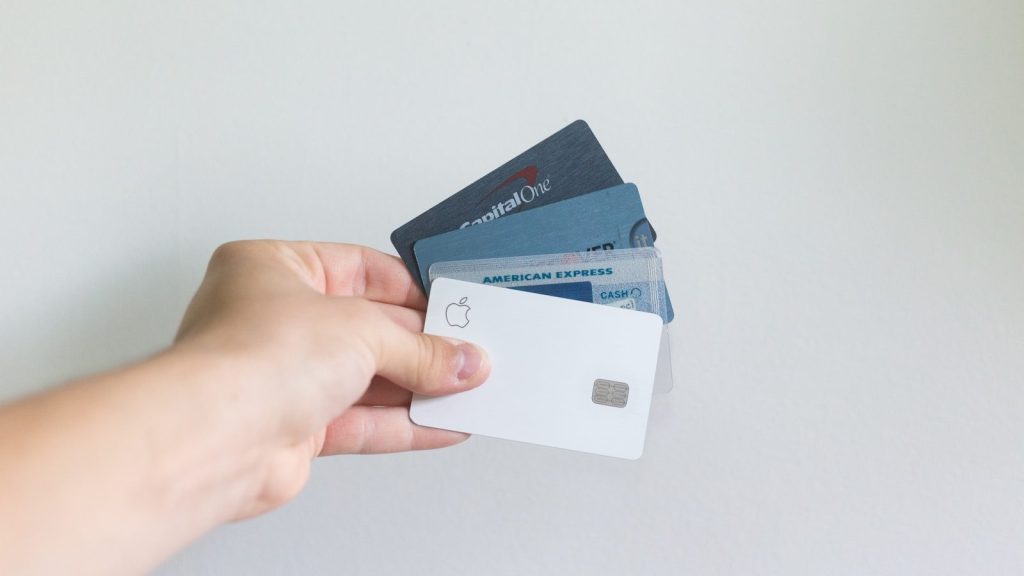
This is a structural mistake that a lot of people make without realizing the risk. When autopay pulls from a debit card and something goes wrong, whether that’s a billing error, an unauthorized charge, or a company that won’t issue a refund, the money is already gone from the account.
With a credit card, there’s a dispute process and a layer of protection between the charge and actual funds. The Fair Credit Billing Act gives cardholders the right to dispute charges within 60 days of the billing statement containing the error, and the money isn’t missing from a bank account while the dispute plays out.
4. Not accounting for timing and overdraft risk

Autopay charges hit on a schedule, and that schedule doesn’t care about cash flow. If multiple bills pull from the same account on the same day, or a paycheck is a day late, the result can be overdraft fees stacked on top of the original charges.
The average overdraft fee was around $26.77 in 2025, with many banks still charging up to $35 per incident. Some banks have pulled back on those fees following regulatory pressure, but plenty have not. Setting autopay bills to pull a few days after a regular deposit date is a simple adjustment that prevents a predictable problem.
5. Ignoring statements because autopay is running

Autopay removes the need to log in and manually pay a bill. It doesn’t remove the need to look at the bill. Billing errors happen more often than they should. A utility might miscalculate usage. A lender might apply fees incorrectly. A subscription might double-charge after a plan change.
People who review their statements monthly catch these errors. People who assume autopay means everything is fine often don’t find the problem until it’s been happening for months.
6. Setting it on a card that’s about to expire

Credit and debit cards expire, and when they do, any autopay tied to that card stops working. The result is a missed payment, which can trigger a late fee, and in some cases, especially with loans or utilities, a penalty rate or service interruption.
Some card issuers automatically update merchants with new card details when a replacement is issued. Many don’t. Checking which autopay accounts are tied to a card before it expires takes about ten minutes and avoids a predictable headache.
7. Not auditing autopay at least once a year

Life changes. Subscriptions accumulate. Rates shift. A service that made sense two years ago might be redundant or overpriced now. Without a periodic review, the autopay list becomes a graveyard of charges that passed through the “is this worth keeping” filter a long time ago and never got reconsidered.
Once a year, pulling up a bank or credit card statement and going line by line through recurring charges is a genuinely useful exercise. It’s not unusual to find $50 or more per month in services that are easily cut.
8. The double-hit problem with annual billing

Some subscriptions offer a discount for paying annually, which is a reasonable deal if the service is actually being used. The problem is that annual autopay charges can be easy to forget. When that $120 charge hits once a year instead of $10 a month, it can feel surprising, especially if the account balance is running close to a threshold.
Marking annual renewal dates in a calendar gives a window to cancel before the charge processes, if that’s the right call, and prevents the unpleasant surprise of a large pull on an unexpected day.
A Tool for Bills

Autopay works best as a tool for bills that are fixed, necessary, and actively monitored. The more it becomes a system people stop thinking about, the more it starts working against them. None of these errors require a major lifestyle change to fix.
They require about an hour of attention once or twice a year and a habit of actually reading statements. That’s a reasonable trade for the money it saves.